






Holding and Resuming Transactions
Sometimes you have to put transactions on hold so the customer can come back later to complete it. T
 Apr 28, 2026
If a customer changes their mind and doesn't want to complete a transaction, you can easily clear it from the New Sale page. Read this article to see how simple it is!

Click on Delete All. This will clear the entire cart.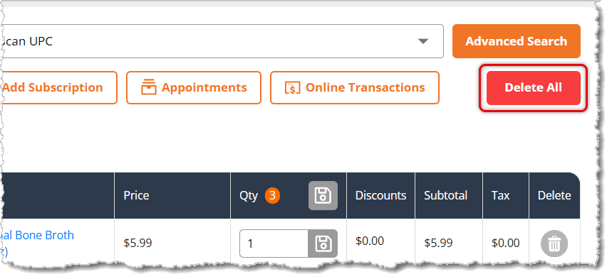
If the transaction already has a customer added to it (meaning you've added an existing customer's account), using Delete All will not remove the customer. To remove them from the transaction, in the panel with the customer's details, click on the X above their name.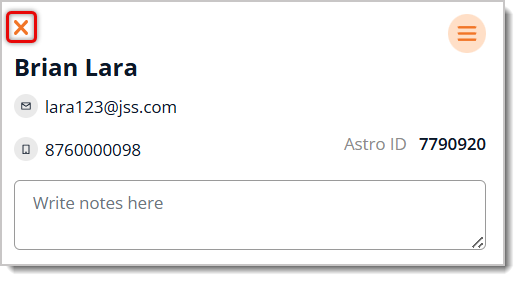
Working With Products in Transactions
Holding and Resuming Transactions
How to Create and Edit Customers in New Sale
Q: I have a question, but I can't find my answer here. How do I get more assistance?
A: You can ask any question at the number listed here. Contact our 24/7 support team at (323) 370-0738 for the U.S. and (888) 370-2363 for Canada.
Is this page helpful?
×Help us improve our articles